
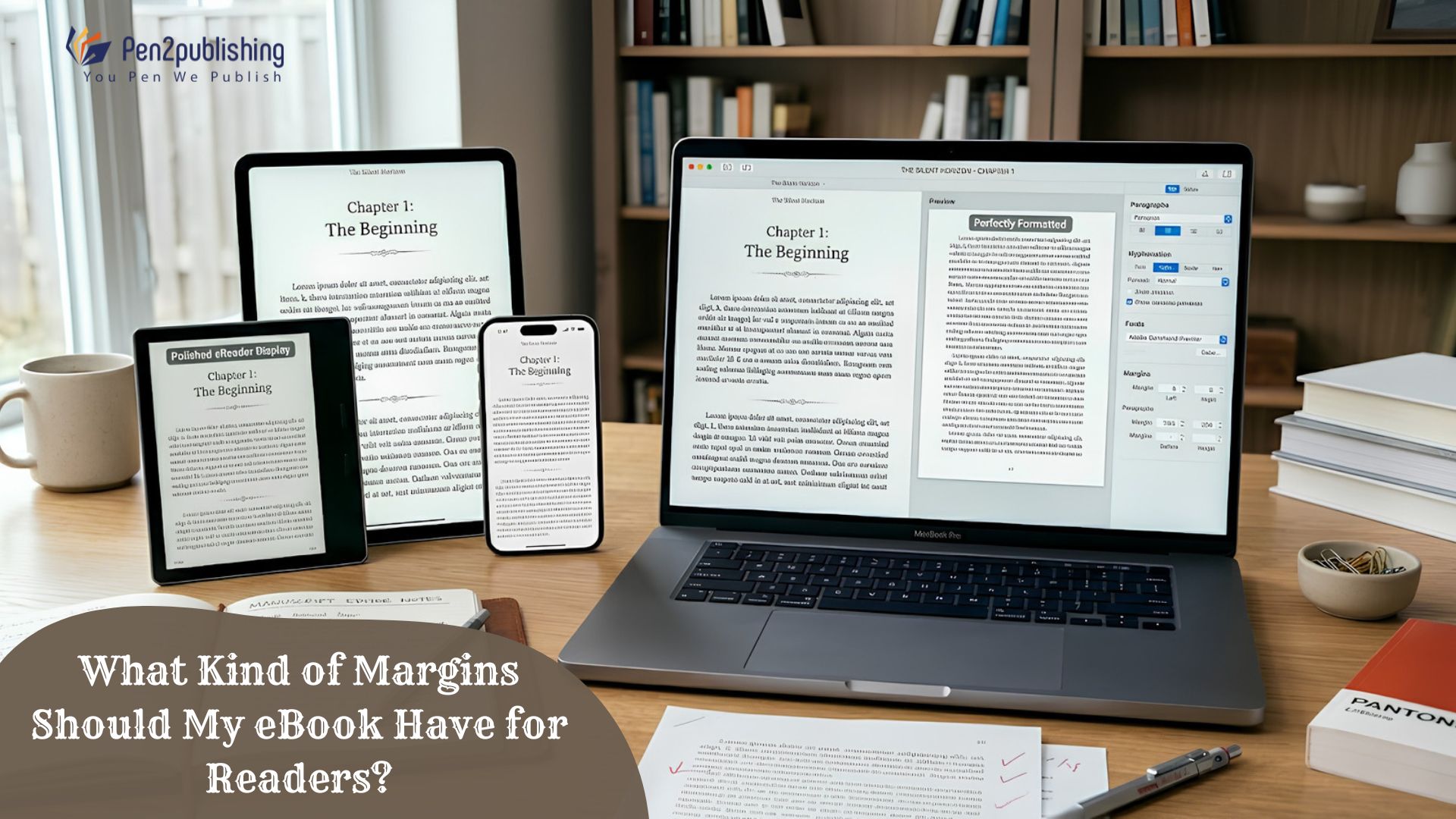
Margins are often the neglected aspect of eBook design, disregarded in favor of fonts, covers, and chapter layouts. But good margins are an important part of readability, visual balance and overall reader experience. Margins are good because they prevent the text from being too cramped, make it easier to navigate, and ensure your eBook looks right on multiple devices and platforms. And whether you publish on Kindle, Apple Books, Kobo, and other eBook retailers, best practices for margins can help you produce a product of professional quality.
What Are eBook Margins?
The white space around the words on a page is called the margin. They allow the content to breathe between the content and the edges of the screen, which makes the text easier to read. Margins tend to be flexible in eBooks since the user can change settings on the device. This is not the case in print books .
Why Margins Matter
Good margins make the text more easy to read and not look too cramped. Good margins also provide a cleaner visual design, which keeps the reader focused on the content not the formatting.
Margins & reader experience
A well-designed page minimizes eye fatigue and provides a comfortable reading environment. The space around the text creates a clean, professional look.
Standard Margin Guidelines for eBooks
eBooks are made of reflowable content unlike physical books which may be read on many screen sizes. Therefore, the size of the margin is not standard for all devices.
Recommended Margin Settings
Most professional eBook layouts use moderate margins that allow for appropriate white space, without losing important screen space. You have to be aware that publishing systems do automatically change margins while displaying.
Consistency Across Devices
Proper formatting ensures margins remain balanced whether the reader is using a smartphone, tablet, eReader, or desktop application.
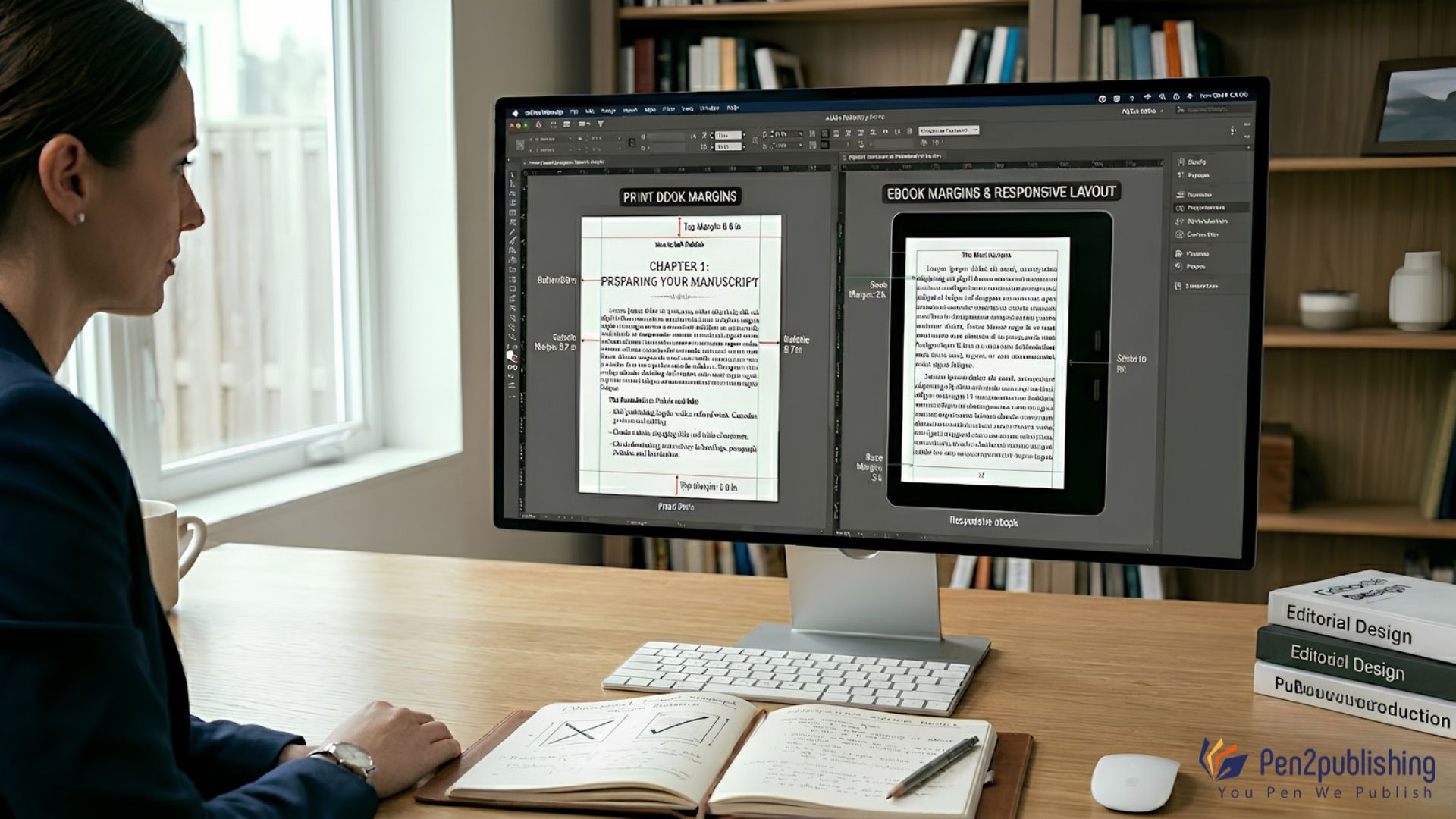
eBook Margins vs Print Book Margins
Print books and eBooks have distinct formatting requirements. Printed books have defined margins . Gutter margins are the ones at the spine .
Print Books Need Fixed Margins
Books printed on paper have set margins, with a gutter margin at the spine. These measures have to be measured precisely before it is printed.
Flexible Layouts in eBooks
Responsive formatting is essential for eBooks. The reading device automatically sets the margins depending on the screen size, the preferences of the reader and the platform.
Factors That Influence eBook Margins
Several formatting elements affect how margins appear within an eBook.
Device and Screen Size
A smartphone screen will display content differently than a tablet or a dedicated eReader. Margins that are flexible to enhance readability on all devices.
Font and Text Settings
Typically, readers can choose font size, spacing and display options. Proper eBook formatting keeps your layout even no matter what you customize.
Publishing Platform Requirements
Different platforms can process files differently. This guarantees uniform margin behaviour according to the formatting rules of EPUB and Kindle.
Common Margin Mistakes Authors Should Avoid
Minor formatting errors can significantly affect the reading experience, and can cause technical problems in publishing.
Using Print Layouts for eBooks
Many authors mistakenly apply print-book margin settings to eBooks. This can create awkward spacing and display problems on smaller screens.
Overcrowding the Page
Tight margins are tough to read and may be hard for users on mobile devices.
Too Much White Space
With narrow margins there is less space for reading and hence more page turns of the same text as with larger margins.
Today’s eBook Formatting Trends (2025-2026)
Most publishers have been concentrating on developing devices that work well for hand-held use and that are accessible.
Reader-Driven Layouts
The newest eReaders are giving consumers more options to change margins, spacing, and fonts to suit their own tastes.
Design for Accessibility Better layouts and equal space are helping publishers improve the accessibility of reading for people with visual and cognitive needs.
Multi-Device Optimization
Responsive formatting has never been more important as readers move between phones, tablets, PCs and eReaders.
How Pen2Publishing Helps Authors
Creating a professionally formatted eBook involves more than simply converting a manuscript into a digital file. Pen2Publishing enables authors to alter margins, spacing, typography and layout so it is compatible with all of the major reading platforms. Professional formatting assists for improved reading and better experience for the readers.
Practical Tips for Authors
Preview Before Publishing
Always test your eBook on several devices, to make sure the margins seem balanced and are readable.
Use Professional Formatting Tools
The right spacing and a consistent layout can be ensured with software for eBook production.
Follow Industry Standards
Following the EPUB and Kindle formatting standards today can help avoid display issues and boost reader satisfaction.
eBook Margin Guidelines Every Author Needs
Margins are a major aspect of good eBook layout. They enhance readability, provide visual balance and make sure your information is showing up correctly on different devices. While eReaders often provide the reader some control over margins, a properly designed file will result in the greatest experience. If authors know the best practices for margins and industry standards, they can produce eBooks that are polished, professional, and fun to read.
FAQs
1. What are the margins in an eBook?
Margins are the space around the text. They help make the text easier to read, and make it look more balanced.
2. Do eBooks need fixed margins?
No. Many eBooks have responsive margins that will change based on the reader’s device and settings.
3. Are eBook margins different from print book margins?
Yeah. Print books are a fixed size, an eBook has a flowing layout.
4. Can readers change margins in eBooks?
Some eReaders give the reader the option of altering margin sizes to suit their liking.
5. Why are proper margins important?
Proper margins make a document easier to read, decrease eye strain and provide a professional reading experience.