
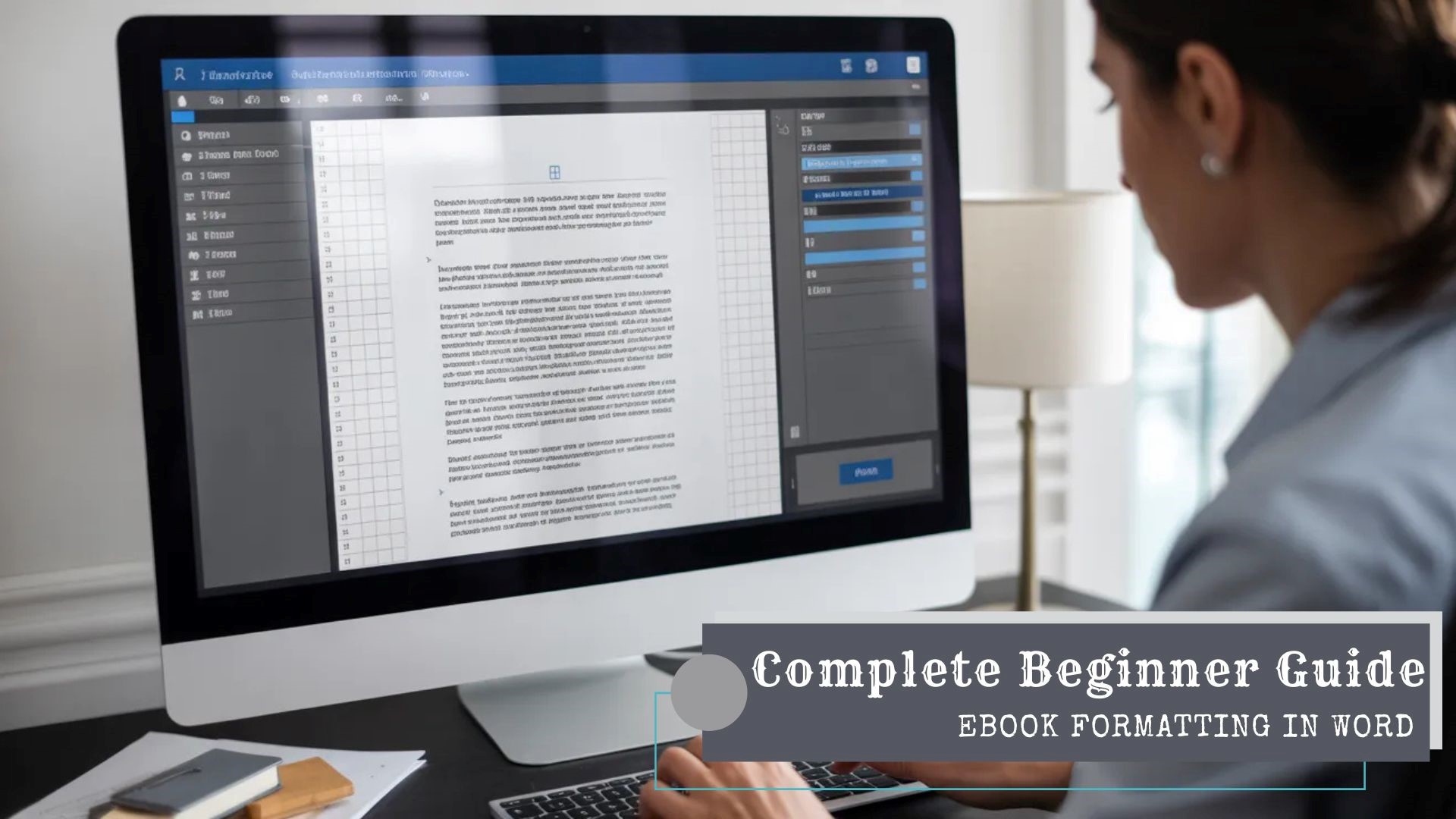
Ahead of any successful ebook is the importance of properly formatted content for digital publishing. Properly formatted eBooks can achieve the best performance on all types of reading devices. Publishers should understand that structure and consistency work together to impact the level of reader satisfaction; additionally, properly providing metadata will have a significant effect on the experience a reader has with an ebook.
For these reasons, mastering how to create eBooks using Microsoft Word is important for those working in publishing innovation or production. Missing the mark in formatting standards can lead to distribution issues or problems with negative reviews.
Ebook Formatting in Word Matters
Because of this, large scale formatting processes can be built without causing disruption to teams within the organization. Although advanced tools exist, Word remains widely integrated within editorial and production workflows. Most distributors, aggregators, and conversion partners request Word files to use for formatting. If Word documents are structured correctly, then they typically convert easily to both EPUB and Kindle formats. Conversely, if the formatting of a Word document is not done correctly, then during digital transformation there could be compatibility issues. Formatting precision must therefore be considered to be a strategic priority for publishers.
Using a Word organized layout, ebook formatting is structured in organization. Built-In Heading Styles should always be used, as needed (i.e., never increase the character size manually). A H1 will indicate chapters & also provide logical hierarchy for sub-sections using H2. Normal style must manage body text over the full document. When the style hierarchy is properly preserved, the automated navigation features function correctly. Furthermore, structured styling enhances compliance with accessibility tools.
Setting Up Layout Options for Online Publishing
- Ebook layout must provide more options than Print formatting does,
- So careful thought must be given to page size, physical margins and page breaks.
- In formatting, do not create manual breaks or leave too much space between text,
- but rather give priority to following Word formatting for structure first, followed by design.
- Managing Page Breaks and Section Breaks
Each chapter should begin with a properly inserted page break. Manual spacing through repeated line breaks must be avoided consistently. Section breaks should only be used when absolutely necessary. Section formatting is often the cause of difficulties in file conversion.
Setting Paragraph and Line Spacing
Set paragraph spacing through styles as opposed to manually through the text adornments. Paragraph spacing will be arranged consistently across all digital platforms enabling a much easier reading experience. Use line spacings of between 1.15 and 1.5 as these will generally create the best screen-readability.
Avoid using full justification unless required by distribution requirements.
Left justified text will usually create a better experience for readers on multiple reading platforms. Optimizing Images and Media for Ebook Compatibility. Visual elements must be handled carefully during ebook formatting in Word.
Image Resolution and Placement
Images must have good resolution without increasing the file size, however images with a resolution that does not affect display can appear to have a much larger file size. The standard alignment for use on digital platforms is centre aligned. Text wrapping must be set to In Line with Text consistently so that each document looks the same when viewed from an EPUB or Kindle application. Captions must be formatted using structured paragraph formatting to ensure that captions will always appear in the same location as their associated objects and can be referenced easily by users regardless of which EPUB/Kindle application they are using.
Accessibility Considerations for Images
Alternative text descriptions must be added to every visual element. Professional reputation and distribution opportunities are enhanced by accessibility compliance. By including accessibility into the workflow for Word ebook formatting earlier in the process, publishing innovators are increasingly prioritizing digital publishing standards.
Creating a Professional Table of Contents

User experience and retailer acceptance are significantly affected by navigation functions. A functioning table of contents must be created with structured heading styles for automated conversion. Many times tables that are created manually will not convert correctly to a database when they are included in the file being created for eBook publishing. Using the automated table-generation function in Word guarantees that all hyperlinks will function as intended.
Hyperlinking and Bookmarking Best Practices
It is important to test hyperlinks prior to exporting the final version of your ebook. Broken links frequently result in retailer rejection or negative user feedback. Internal bookmarks may enhance navigation for complex technical publications. However, excessive linking should be avoided to maintain clean document architecture.
Metadata and Front Matter Structuring
When it comes to formatting your ebook in Word you have to take into consideration not only what can be viewed physically, but you need to ensure that the front matter of your ebook is formatted correctly to meet the requirements of your distributors and retailers Title pages, copyright notices, and disclaimers should follow standardized formatting. Consistent formatting improves discoverability within digital storefront ecosystems.
Embedding Author and Document Metadata
The metadata fields in Word are located within the properties of each document. You will need to enter the information for the authors, keywords, and titles carefully. When you use accurate metadata, you improve your search visibility and the indexing of your book on the various platforms where it will be sold. Publishing professionals recognize metadata as a critical discoverability asset.
Quality Assurance Before Conversion
To ensure proper quality of the exported file, you will have to conduct extensive quality checks. By previewing the document in both draft and web layout, you can see if there are any inconsistencies in the formatting of the document. Be sure to conduct both grammar and spelling checks in an organized fashion. Another good technique to check on the headings is by using the navigation pane. The final review process of e-book formatting of Word greatly assists in enhancing the layout of e-books.
Testing for Conversion Readiness
- After formatting,