
What Is IngramSpark?
IngramSpark is a global self-publishing platform that allows authors to print and distribute books internationally. The system connects publishers with thousands of bookstores, libraries, and online retailers worldwide. Unlike some digital-only platforms, IngramSpark supports both print-on-demand and ebook distribution. Authors maintain full control over their publishing projects while accessing professional distribution networks.
Preparing Your Book Before Uploading
Finalize Your Manuscript
Authors must proofread and edit their manuscripts before starting the upload process because a clean manuscript will help to ensure that your final book will be in line with what is expected from professional publishers. If you discover errors after the manuscript has already been published, it could reduce your overall credibility as well as affect how readers view the book which could potentially lead to poor reviews which could then, in turn lead to reduced sales of the book itself.
Format the Interior File Correctly
It is extremely important to format both print books and ebooks correctly. Each has its own specific requirements for how text should look in relation to the page size, margins, space between words, and typeface (font). Trim size for printing is another requirement for printed publications, but they also have to be formatted appropriately so that they can be read on various size screens. Consistency in formatting helps ensure that readers see your book’s contents as intended whether using a computer, e-reader, tablet, or smart phone.
Design a Professional Book Cover
A well-designed cover significantly influences a reader’s first impression of the book. For print books, the cover must include the front, back, and spine in a single file. The cover dimensions must match the selected trim size and page count. A visually appealing cover helps improve discoverability in bookstores and online marketplaces.
Step-by-Step Guide to Uploading a Book to IngramSpark
Step 1: Create an IngramSpark Account
The first step involves creating an author or publisher account on the IngramSpark platform. When users register, they will provide some contact and basic publishing information. Once the account is set up, the user will have access to the dashboard where they can manage their publishing projects.
Step 2: Start a New Book Project
Once authors have logged into the dashboard, they can start creating a new publishing project. The system will ask for the book information necessary before the author uploads any files to the system (examples of this information include). Authors are encouraged to let retailers know about the book by providing accurate book information so that retailers can place the book in the appropriate categories in their catalogs.
Step 3: Enter Book Metadata
Metadata describes the book and plays a crucial role in search visibility and discoverability. Authors must enter information such as the book title, subtitle, description, and keywords. Retailers use metadata to categorize and display books within their search results. Well-written descriptions help potential readers understand the book’s content and purpose.
Step 4: Choose Print Specifications
If publishing a print book, authors must select the correct printing specifications. These specifications include trim size, paper type, binding style, and color options. Selecting the right format ensures the book meets printing and distribution requirements. Each decision affects how the finished book will appear when printed.
Step 5: Upload the Interior Manuscript File
The formatted manuscript file must then be uploaded to the platform. Most print interiors are submitted as high-quality PDF files prepared for professional printing. The platform automatically checks the file for potential formatting issues. If problems appear, authors can revise and reupload the file before moving forward.
Step 6: Upload the book cover file.
To upload a full set of cover graphics for your prints, you’ll need a single layout that has your front cover, spine, and back cover (with no crop marks). For e-books, usually just the front cover graphic is requested. We’re checking to see if the dimensions of the cover graphic meet the book’s standards.
Step 7: Review the Digital Proof
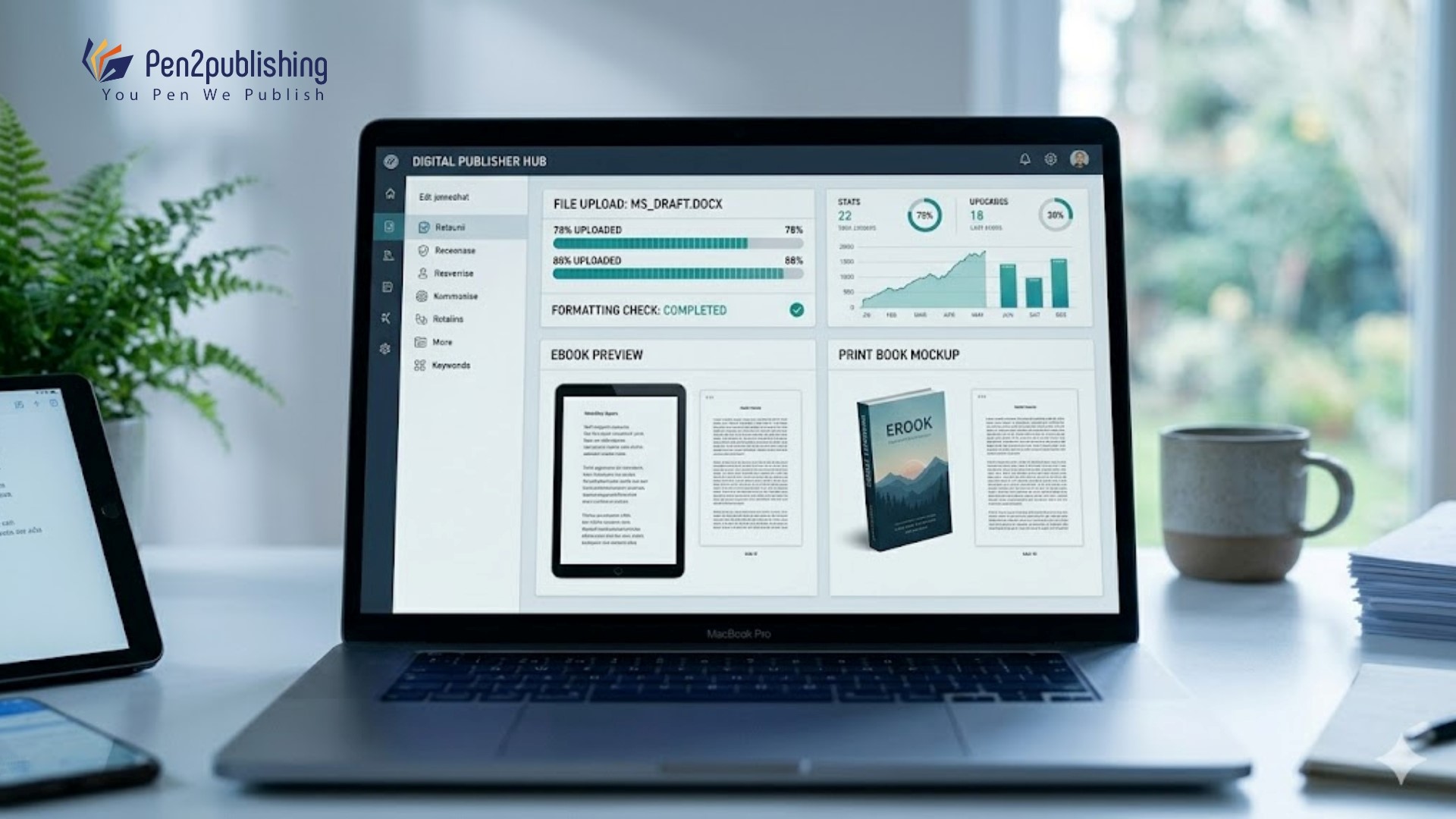
Once the files have been uploaded, the platform will provide a digital proof of the book for authors to check and see how the layout looks as well as to confirm that all of the various elements will appear the way they are supposed to before the book goes into final production. By carefully reviewing the proof at this time, authors can detect any types of formatting problems that may exist prior to publishing their book. Authors are still permitted to make corrections at this point if necessary.
Step 8: Set Pricing and Distribution
After the files are approved, the authors need to decide on prices and how to get the books out to people. The author of a book will receive royalties based on the pricing and also provide discounts to both publishers and retailers. By carefully defining the prices, authors can compete effectively, resulting in many more readers and much greater sales volume for their book.
Step 9: Submit Book for Publication
After the author has sent in all required information and provided “final approval” of the book, the final quality assurance checks will occur on the files to ensure they comply with all the requirements for publishing. When an author has met all publishing criteria, the author may at any time distribute their book to any of the retailers listed as affiliates on this site.
Benefits of Using IngramSpark:
Worldwide Distribution for Bookstore Sales
IngramSpark offers authors access to a global book distributor network, which includes online vendors, bookstores, and library catalogs. This increased level of distribution provides authors an opportunity to reach more customers.
Print-on-Demand Technology
Print-on-demand technology allows books to be printed only when orders are placed. This method eliminates the need for large upfront print runs. Authors can publish professionally printed books without managing inventory.
Professional Publishing Tools
The platform offers various tools designed to help authors manage their publishing projects. These tools include sales tracking, distribution settings, and metadata management. Authors can update their books and adjust settings when necessary.
Common Mistakes to Avoid
Incorrect File Formatting
Improperly formatted interior files are one of the most common issues encountered by authors. Incorrect margins, fonts, or layout settings can create problems when printing the book. Making sure your file follows all platform guidelines can avoid unnecessary revisions.
Cover Size Mismatches
Another frequent problem occurs when the cover dimensions do not match the selected trim size. The width of the spine must match the exact page count of the book. By using official cover templates, these issues can be avoided.
Incomplete Metadata
When metadata is inaccurate or missing it impacts not only how a retailer shows off a book – it also makes it hard for potential customers to locate the book. Providing an accurate description and an appropriate number of keywords will help increase the chance the book appears in a search. If you provide all information, you will improve the probability of being found.
Tips for a Successful Book Upload
Authors need to read the guidelines provided by the platform they wish to use to upload their files so that they do not encounter issues during publishing because they did not meet the recommended formatting standards for the publishing platform. To create a higher-quality final product, authors can use professional editing, formatting, and cover design services. Preparing an author’s book in advance will help keep any errors from occurring and raise the overall quality of the final book.
Independent authors have access to one of the strongest global distribution pathways by uploading their title(s) to IngramSpark. If independent authors take the time to carefully prepare and make every effort to pay attention to detail, they can publish high-quality print and eBook editions using IngramSpark’s platform. At every point in the publishing process (for example, formatting the manuscript, adding the metadata and reviewing for proofs), there are important considerations. Authors who take the time to learn about their digital platform and observe the published guidelines will have a better chance of successfully distributing their books globally. Therefore, by executing an effective business plan and meeting their goals, IngramSpark has the potential to be an extremely effective tool for connecting them with potential readers and increasing publishing opportunities.
FAQs
1. What file format does IngramSpark require for print books?
Print interiors are usually uploaded as PDF files formatted for professional printing.
2. Can I publish both ebook and print books on IngramSpark?
Yes, the platform supports both print-on-demand books and digital ebook distribution.
3. Do I need an ISBN for IngramSpark publishing?
Yes, an ISBN is required for both print and ebook editions.
4. How long does it take for a book to appear after submission?
Most books become available for distribution within a few days after approval.
5. Can authors update files after publishing on IngramSpark?
Yes, authors can upload revised files to correct errors or update book content.