
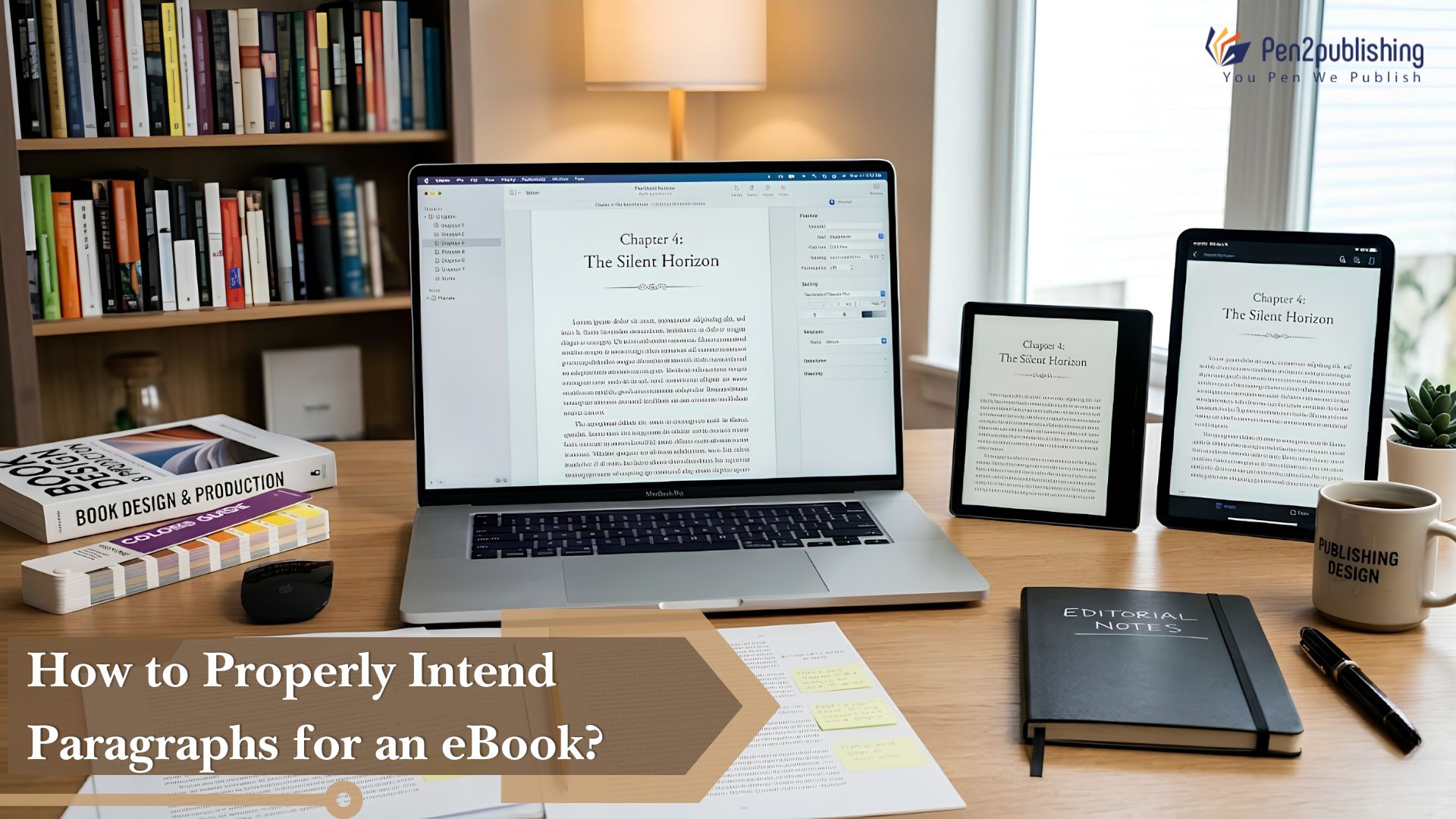
How to properly break up paragraphs is important in making a professional appearing eBook that is easy to read. Although readers may not know about indentation, they will soon spot when the style is improper or difficult to understand. The appropriate amount of space between paragraphs makes the text easier to read, directs the reader through the text, and allows your eBook to comply with the printing standards of all major platforms.
Why Paragraph Indentation Matters in eBooks
Paragraph indentation provides a visual cue that signals the beginning of a new paragraph. Adequate white space in your eBook allows your audience to easily read through your written material as well as to clearly distinguish between thoughts and ideas. Properly formatted paragraphs give an eBook a polished appearance while also keeping readers happy and engaged within the eBook.
Standard eBook Paragraph Indentation Guidelines
Use First-Line Indents
The first line indent is the most used one in professional eBook layout. The first line of each paragraph is usually indented around 0.2 to 0.3 inches. This style is used in fiction, memoirs and other narrative novels as it makes for a fluid reading flow and keeps the page layout neat.
Avoid Using Spaces or Tabs
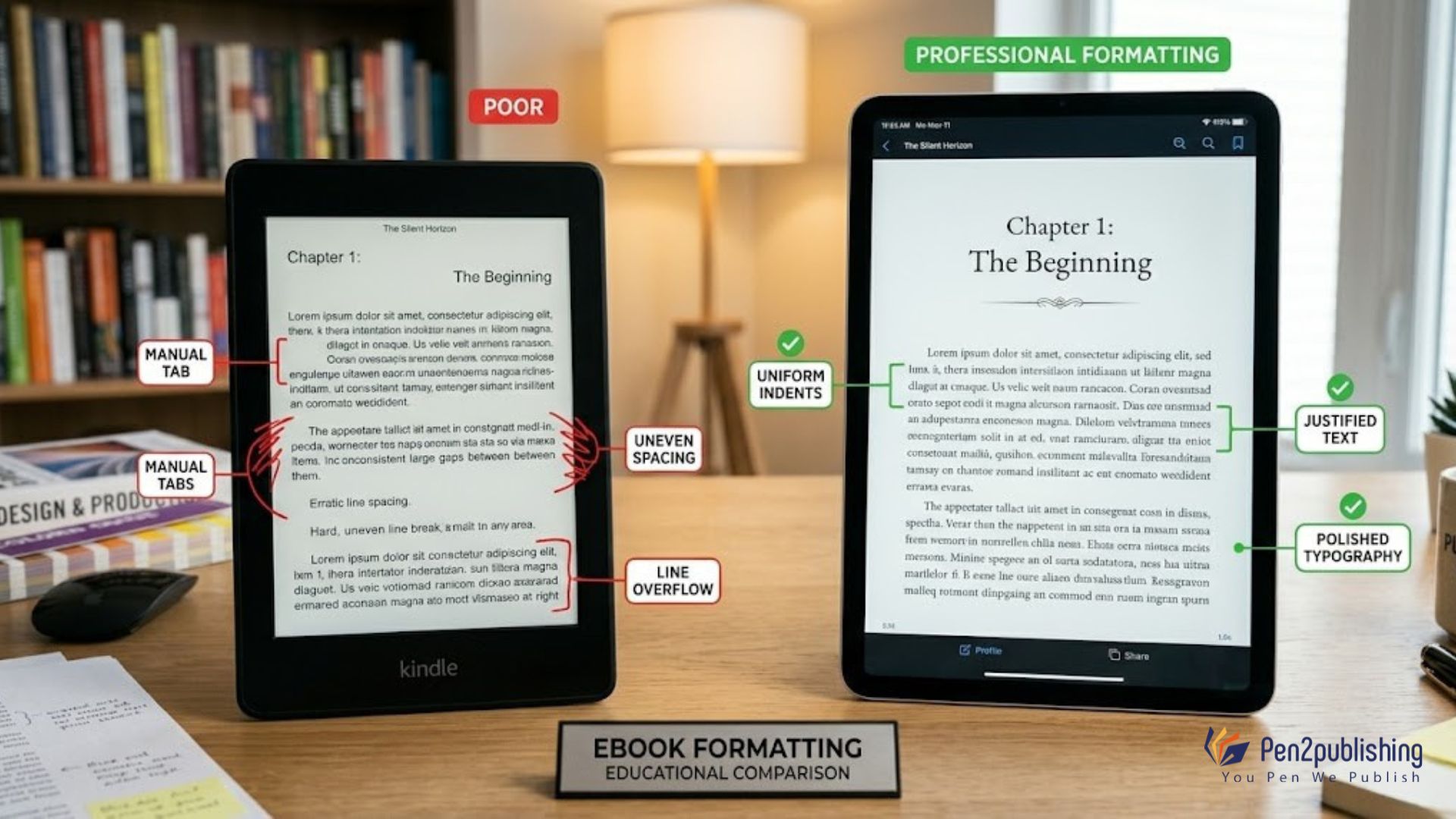
Many authors hit the spacebar or tab key manually to make indents. This method typically results in formatting errors when converting files to EPUB, EPUB3 and Kindle. Set first-line indents for the entire text using your formatting software’s paragraph style options, not tabs.
Do Not Combine Indents and Extra Line Spaces
Professional book formatting generally uses either:
- First-line indents between paragraphs, or
- Extra spacing between paragraphs
Using both can make the layout look messy and amateurish. Most novels/narrative eBooks have first line indented, with no additional paragraph spacing.
Indentation for Different Types of eBooks
Fiction Books
Fiction eBooks typically use first-line indents throughout the manuscript. This is the standard format which is chosen by most readers and leads to a smooth reading.
Nonfiction Books
Nonfiction titles often use a combination of headings, subheadings, and occasional paragraph spacing. Depending on the layout, some nonfiction books may use minimal indentation to create a cleaner instructional design.
Children’s and Illustrated eBooks
Visual eBooks (children’s books, for example) often omit the typical paragraph indent. Instead, text is broken up with spacing and graphic features, yet still seems contemporary.
Special Formatting Rules
First Paragraph After a Chapter Heading
In professional publishing, the first paragraph immediately following a chapter title or section heading is usually not indented. All subsequent paragraphs within that section should use standard first-line indentation.
Dialogue Formatting
Dialogue paragraphs should follow the same indentation rules as regular text. Each new speaker gets a new paragraph, with a normal first-line indentation (for ease of reading).
Common Paragraph Indentation Mistakes
Using Manual Tabs
Manual tabs often break during eBook conversion and create inconsistent formatting across devices.
Inconsistent Indentation
Different indent sizes throughout a manuscript can make the book look amateurish and distract readers.
Excessive Paragraph Spacing
Too much spacing between paragraphs can break up the flow of reading and produce unwanted page breaks on smaller devices.
Best Practices for EPUB and Kindle Formatting
Use Styles Instead of Manual Formatting
Format the text with Microsoft Word, Adobe InDesign or your favorite formatting program using paragraph styles. This maintains the indentation uniform when converted to EPUB or Kindle.
Preview on Multiple Devices
Always test your eBook on several devices and reading programs. What looks good on a desktop screen may appear different on tablets, cellphones or eReaders.
Follow Platform Guidelines
All the major publishing platforms, including Amazon Kindle Direct Publishing, Apple Books, and Kobo, recommend consistent, clear paragraph design for the greatest display and reading experience.
How Pen2Publishing Helps Authors
Professional eBook formatting requires attention to small details like paragraph indentation, spacing, margins, and chapter styling. Pen2Publishing allows authors to create correctly formatted EPUB and Kindle files that look the same across platforms and follow modern publishing standards.
Why Paragraph Indents Matter
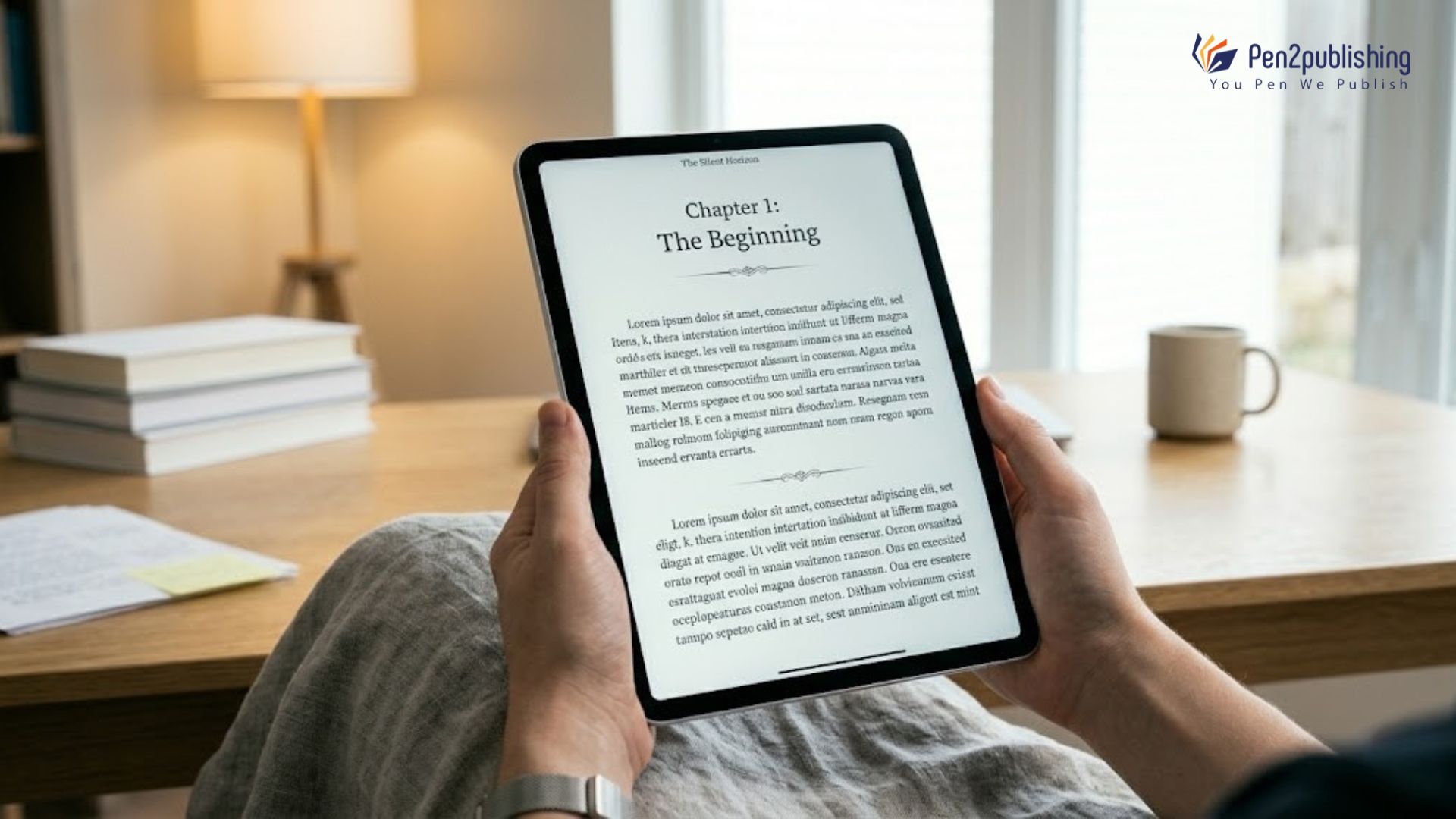
It may seem like a minor touch but paragraph indentation may make a real difference in the readability and professionalism of your eBook. Using first-line indents throughout, not using tabs for formatting, and following industry standards will all improve the reader’s experience when reading your eBook. If authors employ the correct formatting at the start of their production process, they can develop eBooks that look polished, professional and ready for publishing.
FAQs
1. How much should a paragraph be indented in an eBook?
The first line of most eBooks is set apart by about 0.2 to 0.3 inches.
2. Should I use tabs to indent paragraphs?
You should never add tabs or spaces by hand; instead, you should always use the paragraph formatting choices.
3. Should the first paragraph after a chapter heading be indented?
Usually you should not touch the first line of a paragraph following a chapter title or a section header.
4. Do nonfiction eBooks have to have paragraph indents?
Not always. Some non-fiction book writing genres, rather than the typical indents, use methods like headers, spacing etc.
5. Does indentation affect EPUB and Kindle formatting?
Yes, proper indentation helps to maintain a consistent appearance for all digital reader types/types of electronic publication throughout different types of digital reader devices/reader software.