
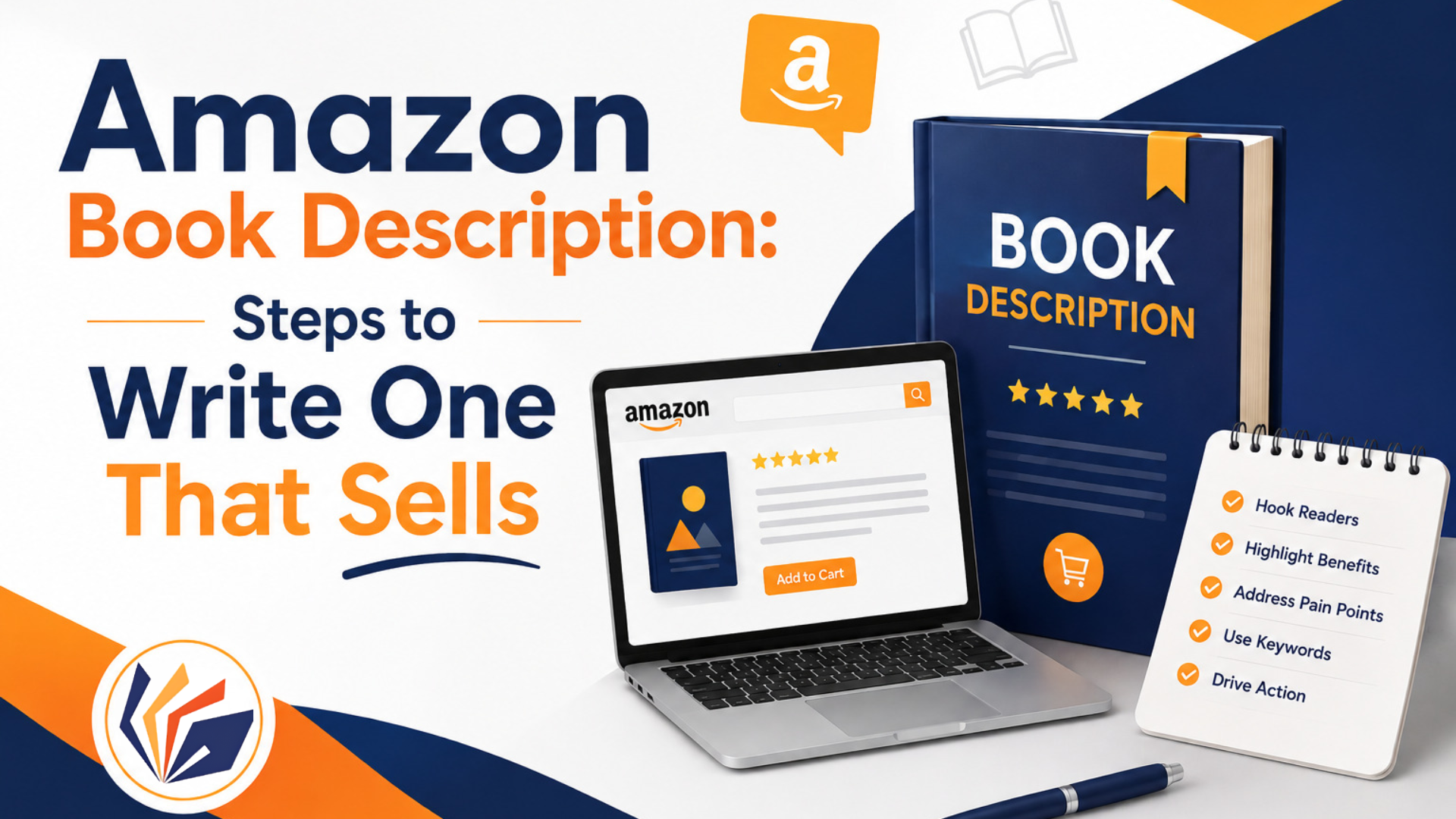
A strong Amazon book description is more than a summary of its conversion-focused publishing metadata. It has to grab a scrolling reader’s attention, feed Amazon’s search discoverability, signal genre positioning clearly, and ultimately turn a browser into a buyer. Treat it as a professional publishing asset, not an afterthought typed in after formatting the manuscript.
Many authors spend months perfecting a manuscript, then write the description in a matter of minutes right before hitting publish. That mismatch shows. The description is often the very last thing standing between a reader and a purchase; it deserves the same care as your cover and your opening chapter.
Understanding the Amazon Book Description
The Amazon book description lives on the product page, right below the title and reviews it’s often the single biggest factor in whether a reader clicks “Buy” or scrolls past.
Book Description vs. Book Synopsis
A synopsis explains what happens in a book. An Amazon description should persuade a reader to buy it. The goal isn’t to summarize the plot, it’s to sell the experience of reading it.
Why Your Description Matters
Your description sets reader expectations, feeds Amazon’s on-page discoverability, and directly influences the purchase decision. Get it wrong, and even a great book underperforms.
Amazon KDP Book Description Requirements
Amazon’s 4,000-Character Limit
Amazon currently limits book descriptions to 4,000 characters, and that limit includes any HTML tags you use so formatting eats into your available space.
Supported HTML Formatting
KDP supports basic formatting like bold, italics, paragraph breaks, simple lists, and a limited set of heading tags enough to structure a description without overloading it.
What Amazon Does Not Allow
Amazon prohibits URLs, promotional pricing language, requests for reviews, spoilers, emojis, and keyword stuffing inside the description. Violations can get a listing flagged or edited.
How to Write an Amazon Description Step by Step
Start With a Strong Opening Hook
The first two or three visible lines before the “Read more” break do the heaviest lifting. If they don’t hook a reader, the rest of the description may never get read.
Establish the Genre and Reader Expectations
Signal clearly, and early, what kind of book this is and what kind of reading experience it delivers, so the right readers self-select in.
Present the Central Story or Problem
This is the main conflict in fiction. In nonfiction, it’s the problem the reader has and the transformation the book promises to deliver.
Create Curiosity Without Spoilers
Give readers just enough to want to raise a question the book answers, without answering it yourself in the description.
End With a Compelling Reason to Continue
Finish with a bang, not a whimper. The last line should push the reader toward the “Buy” button, not just wrap up information.
Writing Descriptions for Fiction vs Nonfiction
Amazon Book Descriptions for Fiction
Fiction descriptions should foreground character, conflict, stakes, genre signals, emotional promise, and curiosity the elements that make readers want to know what happens next.
Amazon Book Descriptions for Nonfiction
Nonfiction descriptions work best when they lead with the reader’s problem, then the solution, benefits, and transformation the book offers backed by relevant author expertise and a clear sense of who the book is for.
Use Amazon Keywords Without Keyword Stuffing
Understand Amazon Keyword Fields
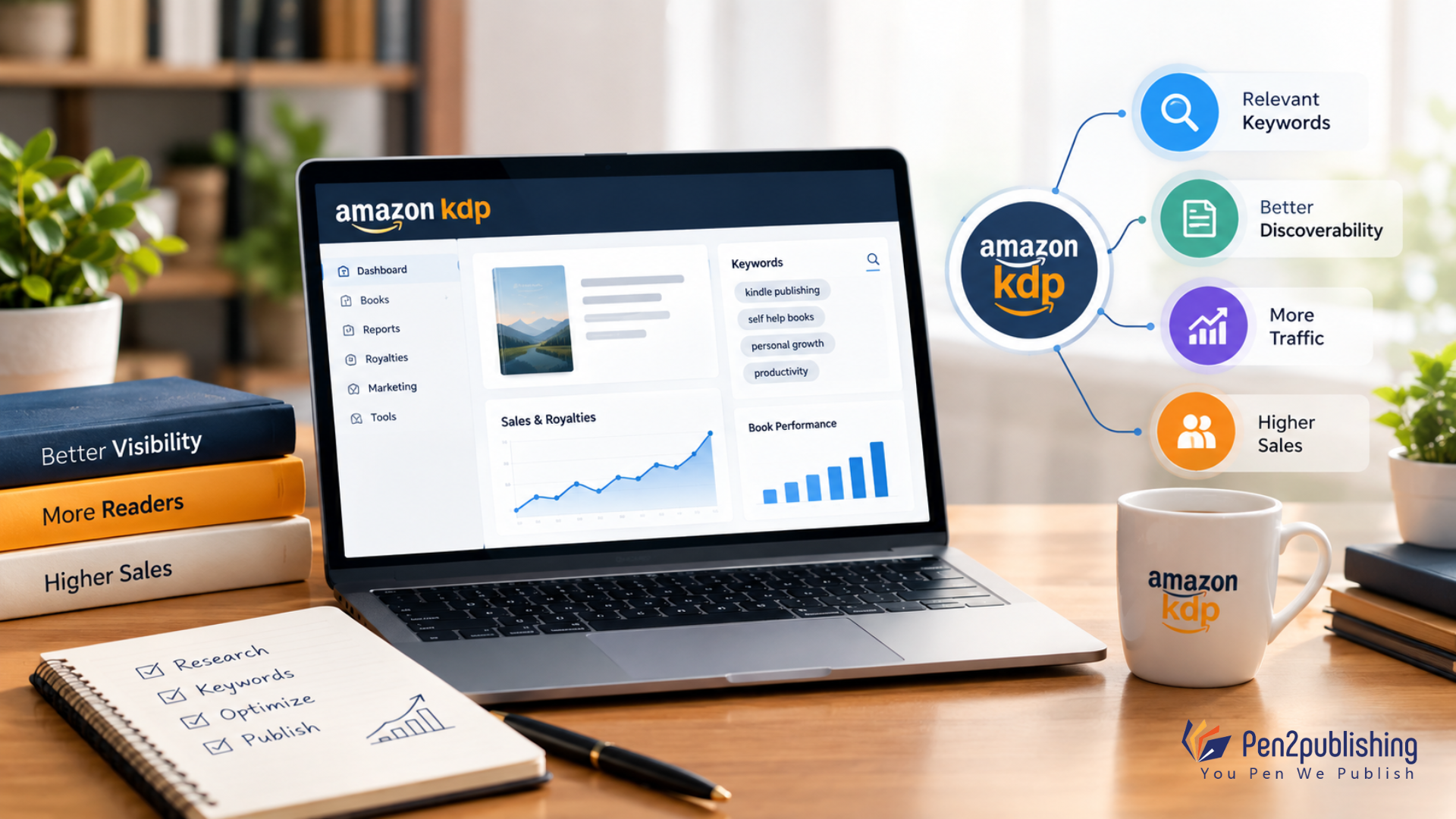
KDP provides separate keyword fields for search; these are distinct from the description itself, and Amazon currently allows up to seven keyword entries per book.
Add Search Language Naturally
Genre terms, themes, tropes, and reader problems can and should appear naturally within the description supporting discoverability without reading like a keyword list.
Avoid Misleading Keywords
Amazon does not allow the use of irrelevant or manipulative metadata, including keywords chosen just to game search results rather than to describe the real content of the book.
Formatting Your Description for Scanning
Use Short Paragraphs
Break the description into short paragraphs so it’s easy to read on a mobile screen, where most Amazon browsing happens.
Use Bold and Italics Strategically
Emphasize a handful of key phrases not the whole description so bold and italic formatting still draws the eye where it matters.
Avoid the Wall-of-Text Problem
A dense, unbroken block of text discourages reading altogether. Formatting isn’t decoration; it directly affects whether readers stay engaged.
Adding Author Credibility, the Right Way
Use Relevant Author Credentials
Credentials matter most for nonfiction, business, professional, and educational titles, where authority builds trust before the sale.
Use Editorial Recognition Carefully
Awards, press mentions, or valid endorsements can help with positioning, but only if they are actually related to the work.
Connect Credentials to Reader Value
Tie any credential back to what it means for the reader, rather than letting the description drift into an extended author biography.
Common Amazon Description Mistakes to Avoid
- Writing a complete book summary instead of a pitch
- Revealing major spoilers
- Starting too slowly, before the hook
- Using generic, forgettable marketing language
- Keyword stuffing inside the description
- Ignoring Amazon’s formatting rules
- Copying the back-cover copy without optimizing it for search and scanning
Optimizing Your Description for Conversion
Study Successful Books in Your Genre
Positioning, tone, structure, setting expectations for readers. Look at the top-selling books in your niche.
Check the Description Above the “Read More” Break
Make sure the visible portion before readers have to click to expand communicates your strongest selling point immediately.
Read It From a Reader’s Perspective
Ask honestly: does this description clearly answer “Why should I read this book?”
Amazon Book Description Examples by Genre
Fiction: A description built around a protagonist’s impossible choice, raising a question the story alone can answer.
Romance: Chemistry, tension and emotional stakes between the two leads, but not a description of the finale.
Mystery/Thriller: A description that begins with the crime or disruption, so you feel the need to know what happened.
Nonfiction: A headline that names the reader’s problem and hints at the transformation the book delivers.
Business/Professional: A description that begins with a measurable outcome and positions the author’s knowledge as the way to it.
How to Improve an Existing Book Description
Identify the Weakest Section
Read your current description critically and find where reader attention is most likely to drop off.
Strengthen the Opening
Rewriting the hook is the first step if it’s weak as it has the biggest impact on conversion.
Remove Redundant Information
Cut anything that doesn’t build curiosity, credibility or clarity around what the reader is getting.
Improve Search Relevance
Weave in genre and topic language naturally, without overloading the description.
Test Formatting and Readability
Check how the description looks on mobile, above and below the “Read more” break, and adjust paragraph length accordingly.
Description in the Larger Publishing Workflow
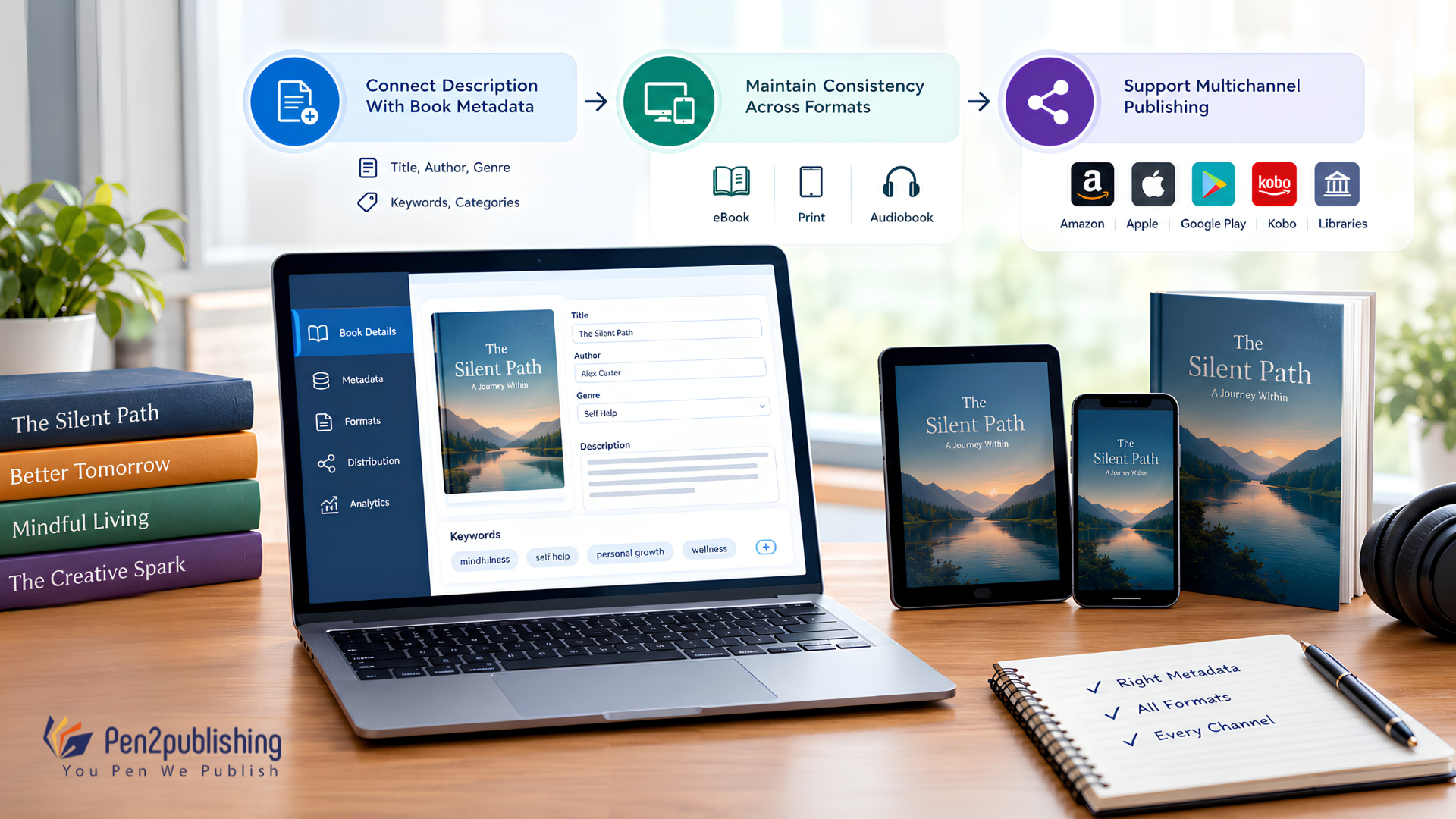
Connect Description With Book Metadata
Your description doesn’t work in isolation; it functions alongside title, subtitle, cover, categories, and keywords as one connected discoverability and conversion system.
Maintain Consistency Across Formats
Keep messaging aligned across eBook, paperback, hardcover, and any other editions, so readers get consistent positioning no matter which format they find first.
Support Multichannel Publishing
A well-optimized Amazon description also supports broader digital publishing and distribution efforts beyond a single platform.
How Pen2Publishing Helps Authors Optimize
Pen2Publishing works as a publishing and content transformation partner, not just a description-writing service. That includes eBook and print formatting, EPUB/EPUB3 conversion, publishing assistance, metadata preparation, content transformation, quality assurance, and support across multichannel publishing helping authors present a consistent, optimized book across every format and platform.
Checklist for a Strong Amazon Description
- Strong opening hook
- Clear genre signal
- Central conflict or problem stated
- Reader benefit made obvious
- Natural, relevant keywords
- No spoilers
- Scannable formatting
- Correct, supported HTML
- Careful proofreading
- Full KDP compliance
- Consistent metadata across formats
Turn Your Description Into Sales
An Amazon book description should attract attention, inform readers, persuade them, and position the book clearly within its genre. Treated as a professional publishing asset rather than a formality, it becomes a real sales tool one connected to discoverability, reader experience, and long-term book marketing, not just a box to fill in during upload.
FAQs
1. How long should an Amazon book description be?
Up to 4,000 characters, including HTML but concise, focused copy usually converts better.
2. What should I include in an Amazon book description?
A hook, genre signal, central conflict or problem, reader benefit, and a strong closing line.
3. Can I use keywords in my Amazon book description?
Yes, naturally within the text separate from KDP’s dedicated keyword fields.
4. Can I use HTML in an Amazon book description?
Yes bold, italics, paragraph breaks, and basic lists are supported.
5. How many keywords does Amazon KDP allow?
Up to seven keyword entries per book, separate from the description itself.