
Why You Should Properly Format Images In eBooks
The image quality will affect a book’s overall visual look, readability, and professionalism. When readers see an image in a book, they automatically want it to be clear and crisp and also to relate to the text rather than detract from it. If the images are not formatted properly, they may not appear sharp, proportionate or in the appropriate size for eReaders or mobile devices and thus can create problems for some readers. If authors and self-publishers maintain proper proportion, quality and type of image files, then the readers will experience a more consistent representation of the book regardless of the device used.
Enhancing Reader Experience
Well-formatted images provide context, highlight key information, and support storytelling effectively. Interactive or visually appealing content increases reader retention and encourages positive reviews. Well-placed images can help in understanding things, particularly when used for illustrations and lessons.
Meet the Platform Requirements
Amazon Kindle Direct Publishing and other platforms have strict codes for image use. To avoid conversion errors, images must conform to resolution, color, and size. The correct format will also assure that your publishing runs smoothly and is usable on all devices.
Choosing the Right File Type for Images
Choosing the correct file type is very important for both
quality and how fast something will load. JPEG’s are great for photos because they compress well, and they will hold the color well. PNG files are the best type of file to use when displaying graphics, logos, and transparent images. Make sure not to use GIFs for still images; they will increase the size of a file unnecessarily and slow down websites and apps; therefore, they are less efficient. When file formats are the same, rendering is predictable across devices.
Optimizing Image Resolution
Resolution should balance quality and file size, typically 300 dpi for print and 150–200 dpi for eBooks. Higher resolutions improve clarity but may increase file size beyond platform limits. Scaling images proportionally prevents distortion and preserves aspect ratios.
Image Dimensions and Layouts – How to write correctly
Getting the right dimensions for images is important for visual harmony and being able to view different devices. Images should fit within the boundaries of a page to avoid images going off the edges or to avoid awkward white spaces around images. eReaders Auto resize the content, so any images that are resized in width will cause layouts to become unstable. Images that are aligned horizontally are much easier to display on mobile devices. Images that are aligned vertically are appropriate for full Page spreads.
Align Images with Text – What to consider
Correctly wrapping text and aligning Images with Text is important for increasing the readability of Text while the look of the page. Whether you align text to the left, right or center, the text must have the same alignment throughout the entire manuscript. When writing captions, the caption text should match the Image and should have consistent Style and Format.
Spacing and Margins – how to do it
Spacings around pictures prevent the cluttering of images and allow for the smooth flow of text through the page. Avoid excessive padding around Images and leave no gap between the paragraphs that surround the image (this will be very important with eBooks). Margins on page layout are important for Balanced Page Layout for Reflowable eBooks.
Color, Compression, and File Size Optimization
Color settings influence readability on both e-ink and color screens. Convert images to RGB color space for digital compatibility. Image compression can reduce the file size of an image without affecting how it looks. If you compress a picture too much, you might see pixels in the end, which could change how people see the image.
Managing Large Image Files
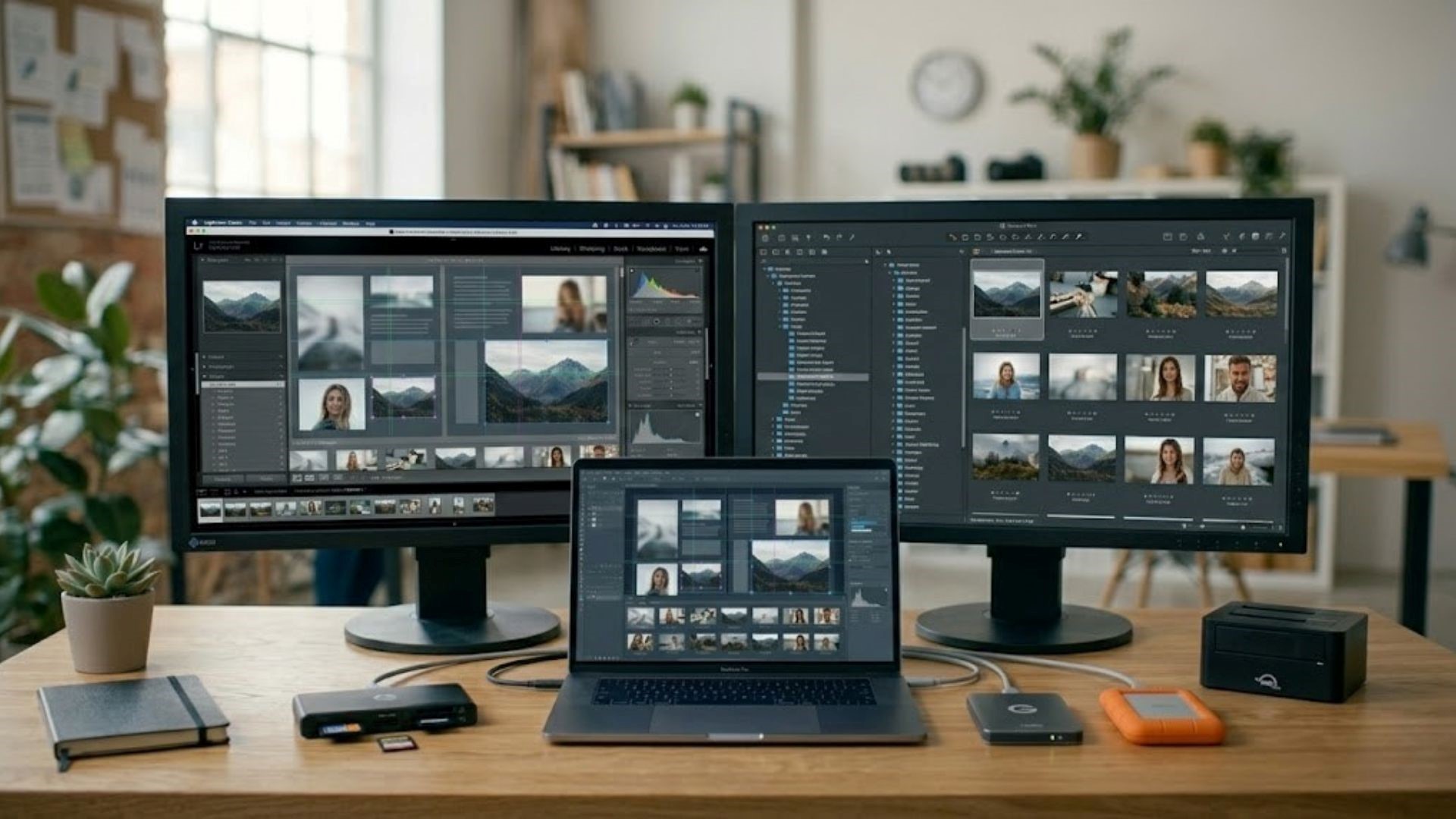
There are several ways that individuals can improve how quickly a web page loads its large pictures. The first one would be to crop the image to eliminate anything from outside of the view of what would be on the final version of an image. The next thing you can do would be to resize your photos to the appropriate dimensions of what the final version of the photo will be. Finally, you can use software programs such as Adobe Photoshop or GIMP to maintain the quality of the image while resizing and reformatting them, which helps you to optimize the images for use on the web without losing clarity.
Accessibility Considerations
Accessible eBooks include alt text descriptions for images. Screen readers depend on accurate alt text for blind or low vision users. Proper labeling allows for easier uses and gives you an opportunity to expand your audience. Uniformity and consistency in your format and descriptive information across various platforms will promote inclusivity for everyone.
Testing Images Across Devices
Ensure proper visual consistency across multiple devices by previewing your images on each device. You should test Kindle Previewer, Calibre and Adobe Digital Editions prior to publishing anything to make sure all your files, including alignment/cropping/scale/text, are easy for readers to read. By using these three applications properly, you can help to decrease printing errors and improve your reader’s experience.
Typical Errors to Steer Clear of
Use high-resolution images to avoid pixelation or unclear visuals. If you do not adhere to the correct dimensions of the platform you are publishing on, your images will either get cropped or distorted. If a page is overloaded with images, the textual content gets less attention than it should. Misaligned images can cause a break in the flow of reading and confusion/frustration for the reader. It is also common to forget to put a caption or descriptive text for context.
Professional Tools for Image Formatting
Adobe Photoshop, Affinity Photo, and GIMP give you control over each aspect of your Picture Editing Process. However, other Online Programs like CANVA make it easy for Non-Professionals to quickly make some changes to their Images after they’ve been imported. Improving efficiency and increasing the Consistency of Multiple Image Editing Projects can be done by utilizing Batch Processing. When coupling your Professional Tools and Publishing Knowledge you can present your eBooks in a Professional Manner.
How to Properly Format Images Boost eBook Quality

Well-formatted images improve reader satisfaction and give you a more polished appearance. They make stories more powerful, lessons easier to understand, and visuals more interesting. Good pictures help get good reviews, more people to read your work, and more sales overall. Strategically optimized visuals make it easy for readers to interact with the content on any device, making the reading experience smooth across all platforms.
Format eBook pictures precisely, so they look the same on all platforms, and obey platform requirements. These strategies make authors and publishing professionals’ work simpler to read, more professional, and more trustworthy. From file types and resolution to layout, alignment, and accessibility, everything counts. These tactics ensure image-content compatibility and long-term publishing success. Self-publishers, inventors, and industry leaders who want to excel digitally must format photographs effectively.
FAQs
1. What image file type is best for eBooks?
JPEG for photographs and PNG for graphics, logos, or transparent elements ensures proper quality.
2. What resolution should eBook images use?
150–200 dpi balances quality and file size for digital eBook readability and device compatibility.
3. How do I properly align photos in Word for eBooks?
Always place pictures (either at left or right out of centre) in line with the page layout and evenly distribute them from one another.
4. Is alt text necessary for eBook graphics to be accessible?
Yes, descriptive alt text provides readers who have a visual impairment with an understanding of the information contained within an image.
5. What can I do to stop Kindle or tablet graphics from warping?
Before posting, make sure your photographs appear okay on different devices, are the right size, and are proportional.