
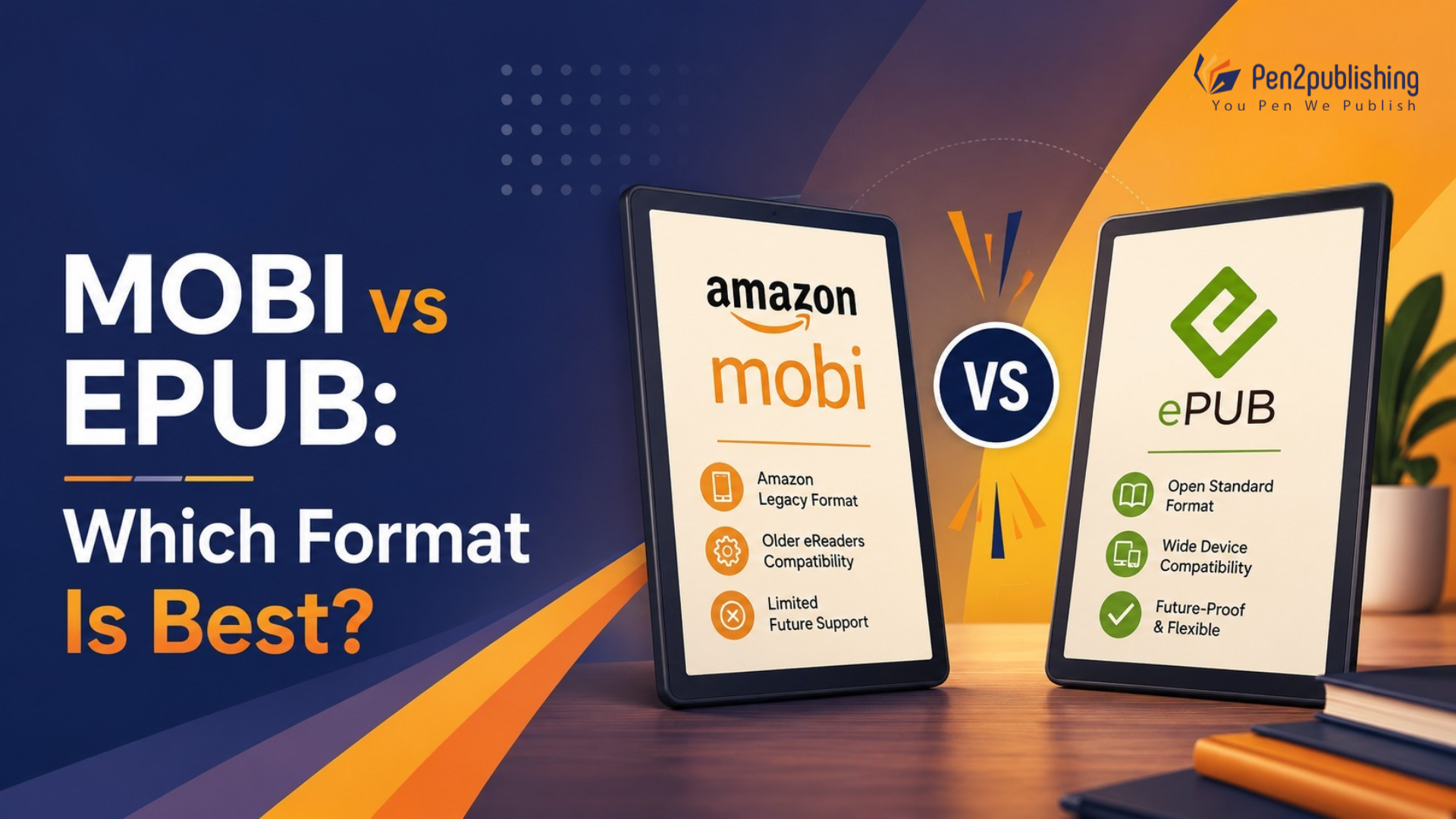
Authors still look for “EPUB vs MOBI,” but the two formats are not on a level playing field anymore. Some older self-publishing tutorials mention MOBI as a mandatory Kindle delivery but don’t specify what to actually give.
Short answer: MOBI is an old format that originated with the early Kindle devices, and EPUB is the new, industry-standard source format used in almost every publishing workflow today, including Amazon’s own submission process.
EPUB vs MOBI: What Has Changed?
EPUB and MOBI once served different, competing purposes. EPUB was the open format supported by Apple, Kobo, and Google, while MOBI was required for Kindle. Authors often had to produce both files just to reach every retailer. That requirement no longer exists. Amazon has since moved away from MOBI as an input format, making EPUB the shared foundation for nearly every conversion pipeline, including Kindle’s own backend processing.
Why MOBI Was Once Important
MOBI traces back to Mobipocket, a French company that built the format in the early 2000s for early e-readers and PDA-based reading apps. Amazon acquired Mobipocket in 2005 and used it to power the first generations of Kindle devices, which is why so much older self-publishing advice still references it.
Why MOBI Is Now a Legacy Format
MOBI’s underlying structure is dated and proprietary compared with EPUB3, with far less support for layout control, embedded fonts, multimedia, and accessibility metadata. Amazon has phased out MOBI as a supported upload format for new content, so building a workflow around it creates unnecessary rework rather than saving time.
What Replaced the Traditional MOBI Workflow?
Amazon now converts a properly formatted EPUB into its current Kindle formats automatically during upload, so authors no longer need to manually generate a MOBI file.
What Is EPUB?
EPUB (Electronic Publication) is an open, standardized digital publishing format built on web technologies, designed for flexible, reflowable reading across phones, tablets, and e-readers.
How EPUB Works
An EPUB is essentially a packaged set of HTML and CSS files, plus metadata and navigation, so text reflows to fit any screen and supports a working table of contents.
Key Benefits of EPUB
- Works with Apple Books, Kobo, and Google Play Books for wide compatibility
- Flexible and adjusts to screen size and reader settings Reflowable text
- Improved accessibility with semantic markup & navigation
- Expansion of retailer and aggregator use
What Is MOBI?
MOBI is best understood as historical context rather than a format to build a new workflow around. Mobipocket created it before Amazon adapted it for early Kindle devices, and for several years MOBI was the default way to sideload Kindle-compatible books outside the Kindle Store. Today it mainly appears in legacy files, older conversion tools, and outdated formatting documentation, not new publishing projects.
EPUB vs MOBI: Key Differences
Feature | EPUB | MOBI |
Status | Modern standard | Legacy format |
Structure | HTML/CSS-based | Older proprietary ecosystem |
Cross-platform use | Broad | Limited |
EPUB3 capabilities | Yes | No |
Accessibility | Strong | Limited |
Modern publishing | Recommended | Generally not recommended |
Kindle workflow | Accepted as source | Legacy |
Is EPUB Better Than MOBI?
EPUB is the better bet for most modern publishing scenarios. It’s more widely accepted, more supported by contemporary tools and better able to accommodate the accessibility and formatting standards readers and sellers currently have. This is required or preferred by Apple Books, Kobo, Google Play Books and other library and aggregator systems. MOBI is something you’ll usually come across when you’re dealing with legacy projects, opening up an old archive or using conversion tools that haven’t caught up with the latest specs from the retailers.
What Format Does Amazon Kindle Use Today?
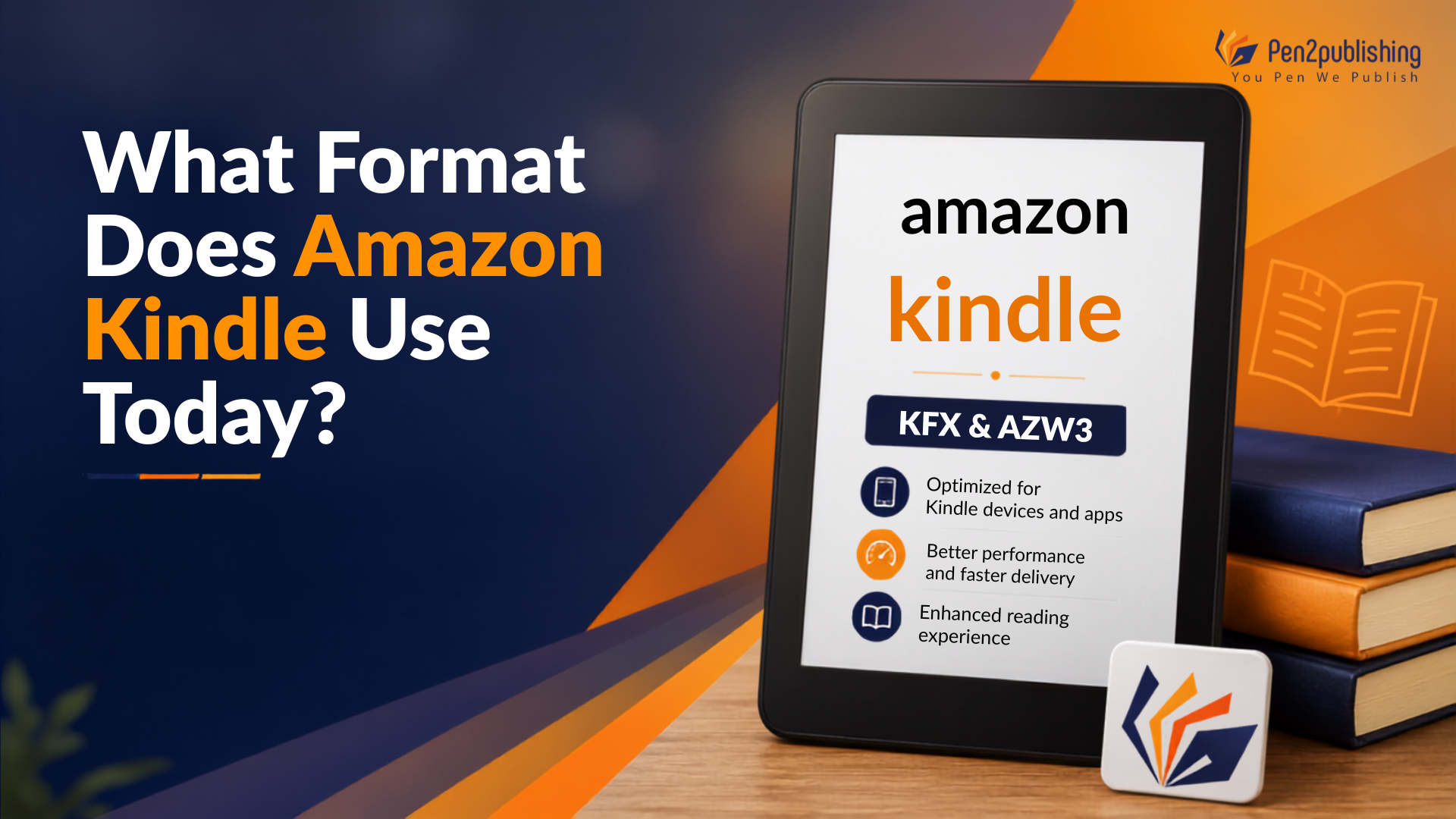
This is one of the most common points of confusion for authors, and it deserves a direct answer: Amazon’s current workflow is built around EPUB as the source file, not MOBI. KDP accepts EPUB as a standard submission format and processes it into current Kindle formats behind the scenes after upload authors generally no longer need to manually create a separate MOBI file, since the retailer’s own pipeline handles that conversion.
EPUB vs EPUB3: Which Should Publishers Choose?
Authors comparing EPUB and MOBI often run into a second, related question: EPUB2 versus EPUB3, and the distinction matters just as much for a modern workflow. EPUB3 is the current version of the standard, extending EPUB2 with stronger multimedia, interactivity, fixed-layout support, and accessibility metadata and most retailers and reading systems now expect EPUB3 rather than the older specification. It’s the better choice for illustrated, educational, interactive, or heavily designed titles, since its expanded layout support goes well beyond straightforward reflowable text. Reflowable EPUB suits text-heavy fiction and nonfiction, where content adapts to the reader’s device and font settings, while fixed-layout EPUB fits picture books and comics, where exact page composition needs to be preserved across devices.
How EPUB Supports Modern Digital Publishing
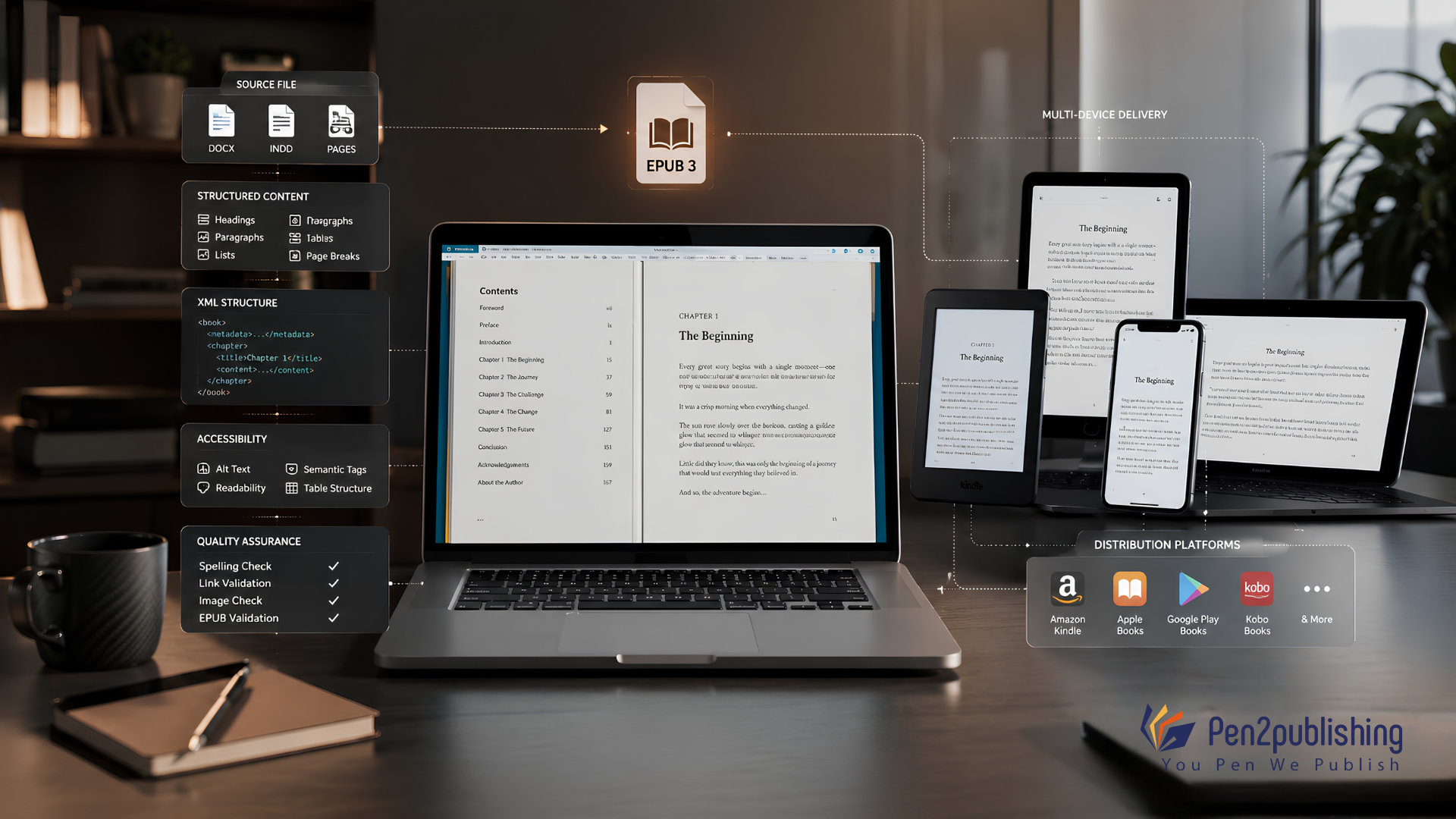
Beyond simple format compatibility, EPUB’s structure supports a more resilient publishing workflow overall. Because it’s built on structured HTML, a well-organized source file can convert into other structured formats like XML without starting over, which is what makes long-term content reuse realistic rather than a manual, file-by-file rebuild. A single properly structured EPUB source can also support distribution across Kindle, Apple Books, Kobo, Google Play Books, and library platforms at once, rather than requiring a separate file for each channel. And strong semantic structure, complete metadata, and proper navigation don’t just support accessibility, they also make content easier to index, search, and discover across digital platforms.
Common eBook Format Mistakes to Avoid
- Creating MOBI for every platform – an outdated workflow with no real benefit today
- Treating PDF as a reflowable eBook – PDF is fixed-layout and doesn’t adapt to screens
- Skipping device testing – validation checks structure, not actual rendering
- Ignoring accessibility – skipping semantic structure limits assistive technology support
How to Prepare Your Manuscript for EPUB Conversion
- Clean and structure the source file before conversion
- Apply consistent heading styles for proper navigation
- Optimize images and verify all links
- Complete metadata and build a navigation document
- Validate and test the final EPUB across devices
How Pen2Publishing Supports Modern eBook Publishing
Pen2Publishing works with authors as a publishing and content transformation partner, rather than simply a file converter, handling the structural and technical work a modern EPUB workflow requires. That includes professional EPUB and EPUB3 conversion built to current retailer and accessibility standards, structured content preparation that supports XML conversion and long-term reuse, and quality assurance that puts every file through validation and testing before delivery. The result is one properly built source file prepared to support Kindle, Apple Books, Kobo, Google Play Books, and other major distribution channels at once, rather than a separate deliverable for each.
EPUB vs MOBI: What Should You Choose?
For new publishing projects, EPUB should generally be your primary source format. MOBI belongs to legacy workflows, not new ones though the exact production approach still depends on your distribution platforms and content type.
MOBI vs EPUB: Which Format Is Best?
MOBI is largely an old format from the early days of Kindle and EPUB is the strong and modern source format for broad digital publishing to retailers, devices and reading apps. Professional EPUB and EPUB3 production is more than just conversion, it requires structured content, accessibility metadata, careful validation and true platform testing to stand up across every channel.
If you’re prepping a manuscript for digital release, Pen2Publishing can help you format eBooks, convert to EPUB/EPUB3, transform XML and provide multichannel publishing support so your book is ready for Kindle, Apple Books, Kobo and beyond without unnecessary rework.
FAQs
1. Is MOBI still used for eBooks?
MOBI is pretty much only hanging on in legacy files and old archives. It’s not something you have to worry about for new eBook submissions anymore.
2. Does KDP support EPUB files?
Yes Amazon KDP uses EPUB as the standard submission format and converts it to Kindle on the upload.
3. Is a MOBI file still needed for Kindle?
Generally no a properly formatted EPUB is enough for Kindle publishing under Amazon’s current workflow.
4. Is EPUB better than MOBI?
Yes . EPUB has far more compatibility and accessibility for pretty much all modern publishing demands .
5. What’s the difference between EPUB and EPUB3?
The current standard is EPUB3, which adds better support for multimedia, interactivity and accessibility over EPUB2.
6. What format should I use for Apple Books and Kobo?
EPUB is the standard, and generally required, format for both Apple Books and Kobo.
7. Can EPUB files be converted to Kindle formats?
Yes, Amazon converts an uploaded EPUB into its current Kindle-compatible formats automatically.
8. Is PDF or EPUB better for an eBook?
EPUB is usually better; it reflows to fit any screen, while PDF keeps a fixed, print-style layout.